Find your hearing aid
Hearing aid finder
A hearing aid is small and light. You put it down and cannot remember where. earBeacon shows you how close you are to it, and remembers the place where you last had it.

Free, for iPhone and iPad running iOS 18 or later.
How it works
The app senses how strongly your hearing aid signal reaches the phone. The closer you are, the stronger the meter. Walk slowly around the room and watch it.
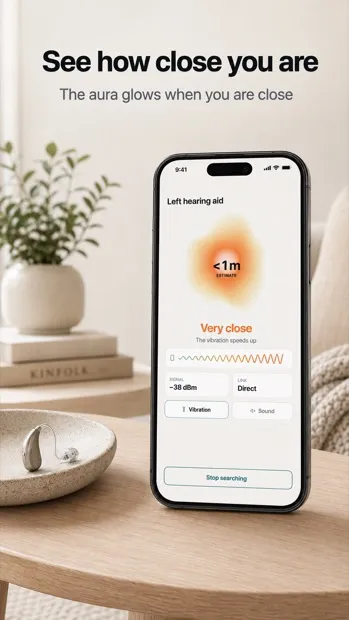
Shows how close you are
Rings on the screen light up one by one. The approximate distance in metres sits in the middle.
Remembers the last place
When a hearing aid disconnects, the app notes where you were at that moment. You can go back there.
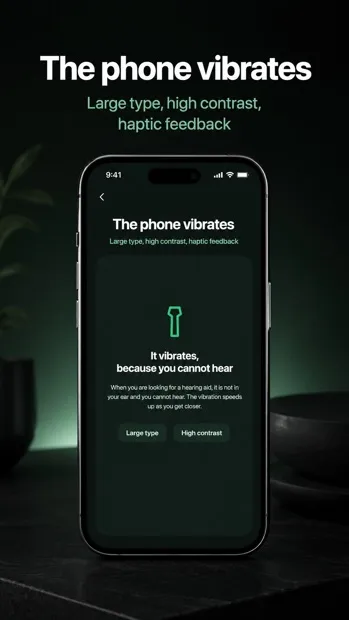
The phone vibrates
When you are looking for a hearing aid, it is not in your ear and you cannot hear. So the phone vibrates — faster as you get closer.
Left and right separately
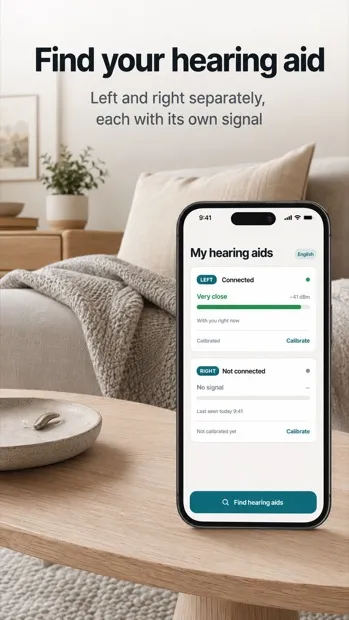
The app knows both hearing aids separately. If only one goes missing, that is the one you look for.
What the app looks like
Your information stays on your phone
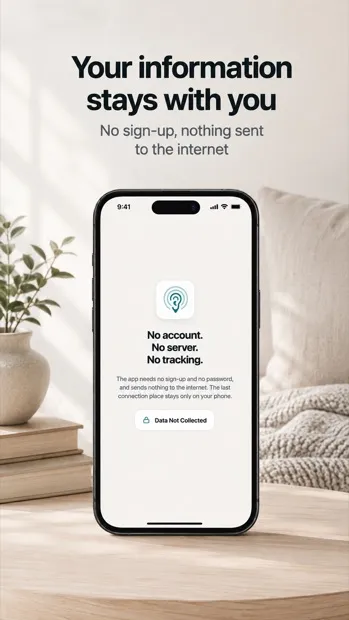
The app needs no registration and no password. It sends nothing to the internet. The last connection place is stored only on your phone and goes nowhere else. The app watches only the hearing aids you choose yourself, and ignores other devices nearby.
What the app cannot do
We say this up front so you know what to expect.
- It cannot point which way to go. Hearing aids do not support that. You need to walk a few steps and watch whether the meter grows stronger or weaker.
- The distance in metres is only an estimate. It is not a precise measurement. If you turn your back, or a wall comes between you, the signal weakens and the number changes.
- The hearing aid must be switched on. In the charger or with a flat battery the app cannot find it. Indoors it works up to about ten metres.
- It does not show how much battery is left. Hearing aids do not share that with other apps. You will find it in your iPhone under Settings, in the Accessibility section.
Compatibility
We tested the app with Phonak Audéo P30-R hearing aids. During the first setup you can also pick a different device, so it is worth trying with another brand.
earBeacon is not a medical device. It measures and evaluates nothing about the user and does not change hearing aid settings — it only senses how strong a signal reaches the phone.
Phonak is a trademark of Sonova AG. earBeacon is not a Sonova product and is not affiliated with Sonova.